The setup
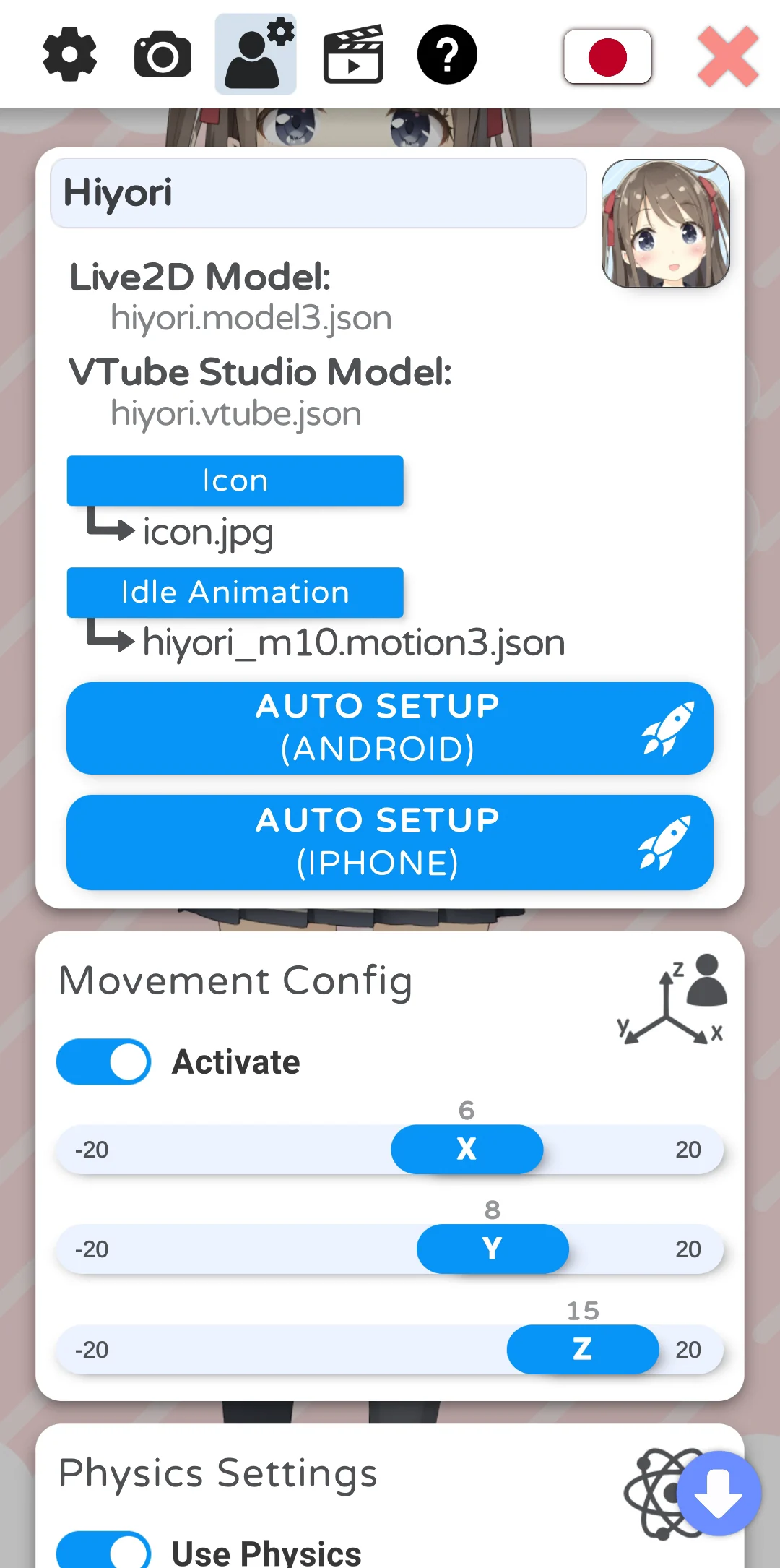
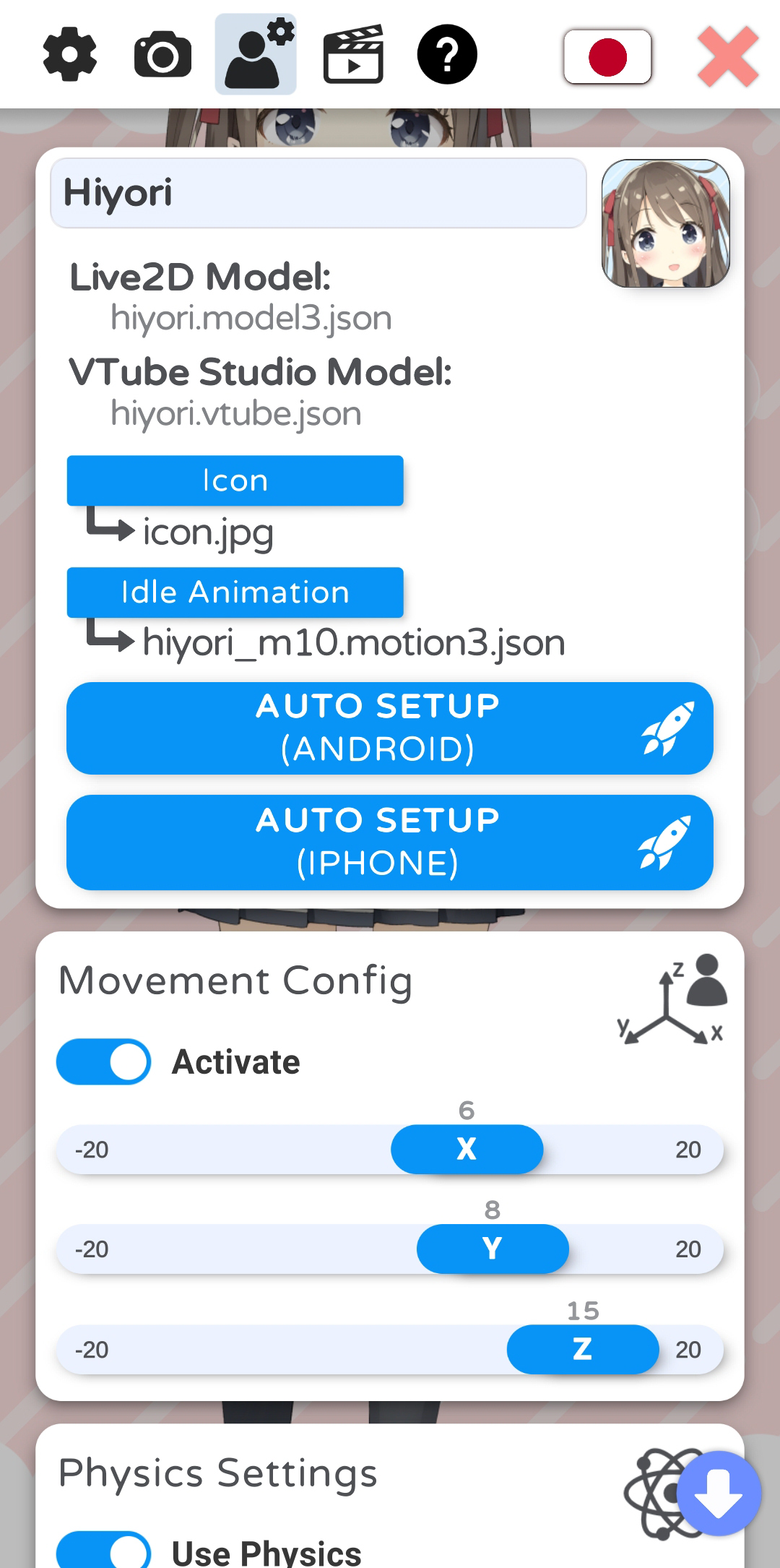
VTube Studio is Denchisoft's Live2D-based performance app, and its own wiki, hosted on GitHub and retrieved 16 September 2026, documents hotkeys as the mechanism a performer uses to change mood, props or scene mid-stream. The page VTS Model Settings covers hotkey setup inside the app's own model configuration menu, while a second page, Expressions (a.k.a. Stickers or Emotes), documents the specific case of expression hotkeys, and a third, Item Scenes and Item Hotkeys, documents item hotkeys. All three are living documents describing the current app rather than a dated release.
What the documents show
The model settings page states there are two ways to trigger a hotkey: keyboard or mouse presses, which keep working even when the VTube Studio window is not focused, and on-screen button hotkeys, up to eight per model, which can also be sent from a connected phone to a PC. The same page lists every documented hotkey action, including playing or changing an animation, setting or removing an expression, moving the model, changing the background, reloading the microphone, calibrating the camera and toggling an item scene. The expressions page adds detail for one of those actions: an expression is built in the Hotkeys tab's Expression Editor by selecting Live2D parameters and a mode, Overwrite, Add or Multiply, and expressions cannot use physics output parameters because the physics system would overwrite them. The item scenes page documents that a hotkey can also spawn or remove a saved group of items, with a fade time and an optional automatic deactivation timer.
The craft
A performer assembling a show typically groups related state changes, an expression, a background and an item scene, behind one memorable key or on-screen button, so a single press changes mood, prop and scene together instead of three separate actions. Because expressions and animations documented here overwrite tracking, the app's own stated ordering rules, not the streaming software downstream, decide what a viewer sees whenever a hotkey fires mid-performance.
Keeping the creator in control
Documenting every hotkey action in one place lets a performer audit exactly what a stray keypress could change on stream, including model position, background and active items, before it happens live. This is an editorial reading of the documentation: because hotkeys can be triggered from a synced phone as well as a keyboard, a creator's own hotkey layout is also a safety layer, worth reviewing before adding new devices to a broadcast setup.
- Does every hotkey you rely on still map to the action you originally intended?
- Could an on-screen button sent from another device trigger something you did not expect?
- Which hotkey actions overwrite tracking, and do you know how long that effect lasts?
A hotkey list looks trivial until a show depends on it; VTube Studio's own documentation treats it as a defined, auditable action set, which is exactly what a live performance needs.
Sources & reading trail
Documents the two hotkey trigger types and lists every hotkey action, including expressions, animations and item scenes.
Source published: Not established · Retrieved: 16 September 2026
Documents how an expression is built in the Hotkeys tab's Expression Editor and the Overwrite, Add and Multiply parameter modes.
Source published: Not established · Retrieved: 16 September 2026
Documents how a hotkey toggles a saved Item Scene, including fade time and an automatic deactivation timer.
Source published: Not established · Retrieved: 16 September 2026
Documentation, agency filings and platform records establish the entry; the craft reading is VTubing editorial analysis. This retrospective draft does not imply the site published on the event date.