The setup
OBS Studio is the open-source broadcast software most VTubers route both camera and voice through, and its own knowledge base, retrieved 16 September 2026, documents the audio filters available on any source, including a microphone. The relevant living-document pages are Noise Suppression Filter, Noise Gate Filter, Compressor Filter and Limiter Filter, each maintained by the OBS project rather than dated as a single release.
What the documents show
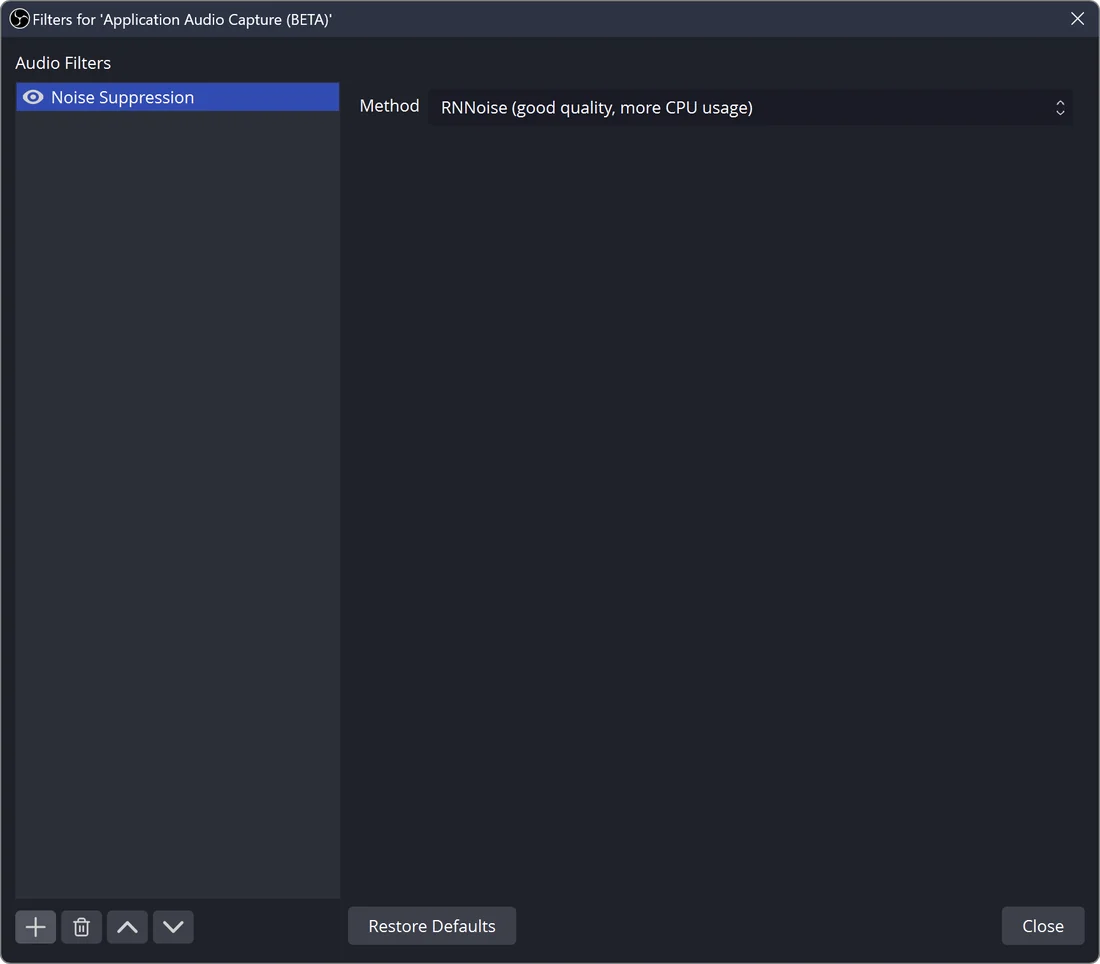
The noise suppression page states three available methods, RNNoise as the higher-quality, more CPU-intensive default, Speex as a configurable alternative, and an NVIDIA option requiring its Broadcast SDK redistributable, with a default Speex suppression level of -30dB. The noise gate page lists default values of a -32dB close threshold, a -26dB open threshold, a 25ms attack time, 200ms hold and 150ms release, and instructs a user to set the close threshold above room noise and the open threshold just below their voice. The compressor page lists a default 10:1 ratio, -18dB threshold, 6ms attack, 60ms release and 0dB output gain, and states it typically belongs at or near the beginning of a filter chain, with a separate documented sidechain-ducking preset of 32:1, -36dB, 100ms and 600ms for making room for voice over other audio. The limiter page states it prevents a signal from exceeding a -6dB default threshold with a 60ms release, and that it should be the last filter in the chain because it acts as a fast, high-ratio safety compressor rather than a shaping tool.
The craft
Following the documented order, suppression or gating first to remove constant background noise, compression next to even out a voice's natural volume swings, and a limiter last as a hard ceiling, matches how each filter's own stated purpose builds on the last rather than duplicating it. A performer adjusting one filter's default without reading its neighbour's documented role risks fighting the chain instead of shaping it, for instance setting a gate threshold above normal speaking level and clipping quiet dialogue.
Keeping the creator in control
Because every default value here is published, a creator can compare their own settings against OBS's stated defaults rather than guessing whether a setup is unusual, which matters when troubleshooting audio complaints from viewers or collaborators. This is an editorial suggestion beyond the documentation itself: keeping a saved filter chain as a personal, documented baseline makes a bad stream easier to diagnose later.
- Does your filter order match the documented sequence, or did a preset scramble it?
- Have you checked your gate and compressor thresholds against a recent noise floor?
- Is your limiter actually last, or is something quieter placed after it by mistake?
OBS's own documentation turns what sounds like a subjective mixing choice into four filters with published defaults and a stated order, which is a more checkable starting point than trusting a stream's audio by ear alone.
Sources & reading trail
States the three suppression methods (RNNoise, Speex, NVIDIA) and the default -30dB Speex suppression level.
Source published: Not established · Retrieved: 16 September 2026
States the noise gate's default open and close thresholds and attack, hold and release times.
Source published: Not established · Retrieved: 16 September 2026
States the compressor's default ratio, threshold, attack and release values, its chain position, and the documented sidechain-ducking preset.
Source published: Not established · Retrieved: 16 September 2026
States the limiter's function as a final ceiling on peaks and that it should be applied last in the chain.
Source published: Not established · Retrieved: 16 September 2026
Documentation, agency filings and platform records establish the entry; the craft reading is VTubing editorial analysis. This retrospective draft does not imply the site published on the event date.